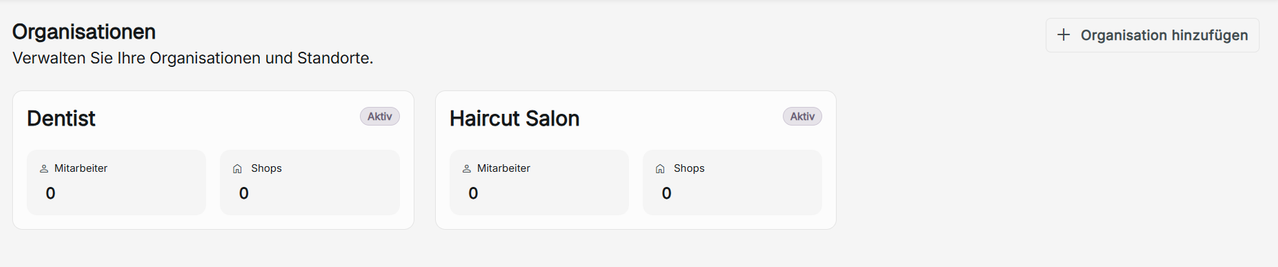
Organizations
Here you can manage and view the organizations you are a part of. You can view the number of shops and users in an organization. Your organization will display the number of employees and shops created. Click on a card to view any organization.
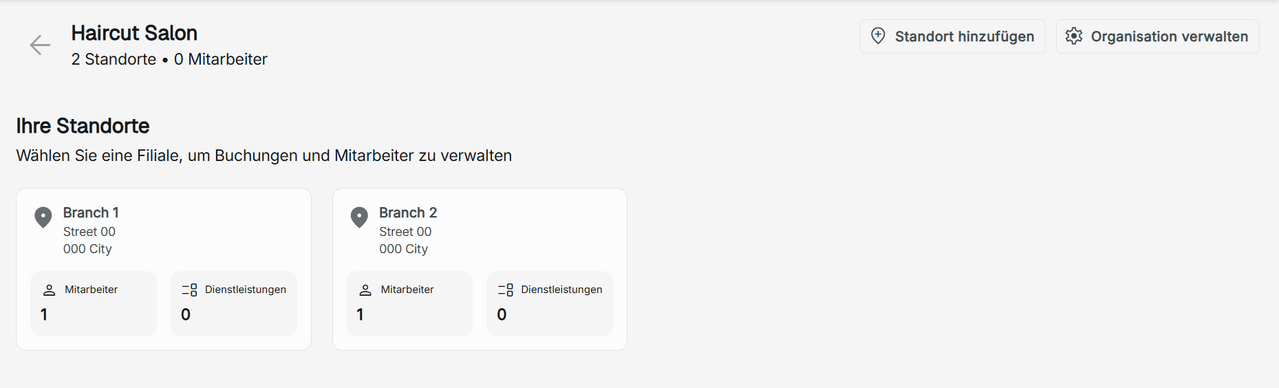
Viewing your Organization Shops
This is where you view the different shop's branches that you have access to. Each shop will display the address, number of employees and services. Click on a card to view any shop.
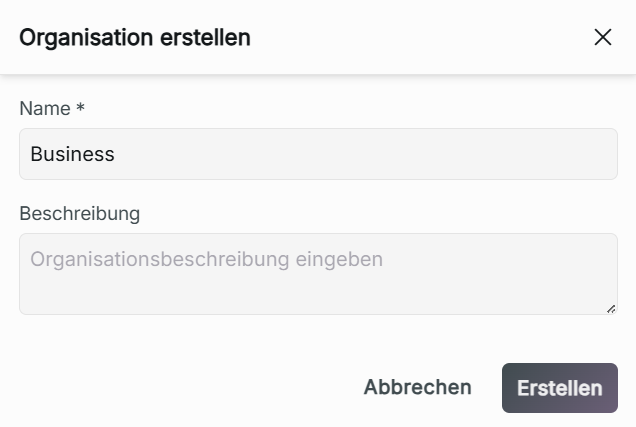
Adding an Organization
If you are the business owner role of the organization, you can create a new organization by clicking "Add Organization." To add a new organization, type in the name of your business, which should be a minimum of 2 characters, then click Create.

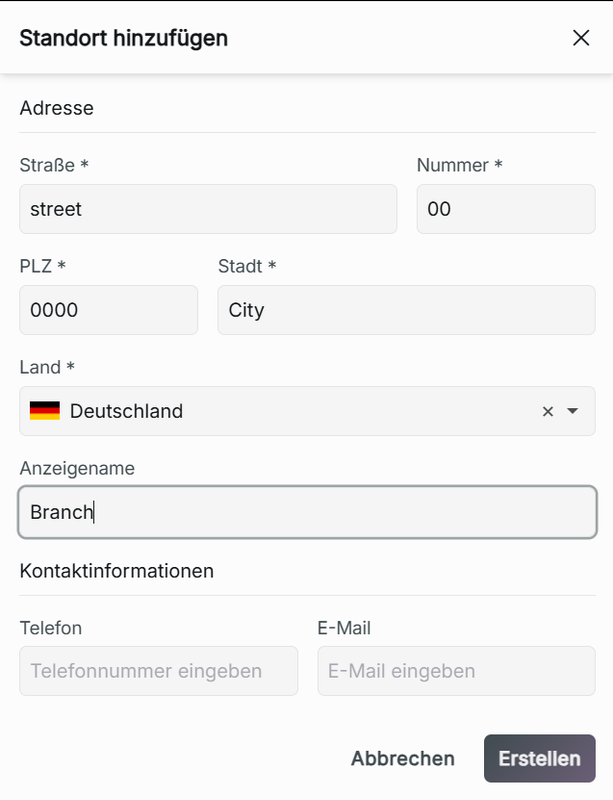
Adding a New Shop Branch
When you are in a chosen organization, if you possess the business owner role, create a new location by clicking Add Location. Add the shop's address, display name, phone number, and email. It is only required that you have entered the address of your new shop branch. Click Create to add your new location to your organization.
If no branch name is given, the branch name will automatically be set to the address of your branch.